GC Portal
The Gestational Carrier portal is a mobile-optimized dashboard for surrogates — the primary payees in a surrogacy journey.
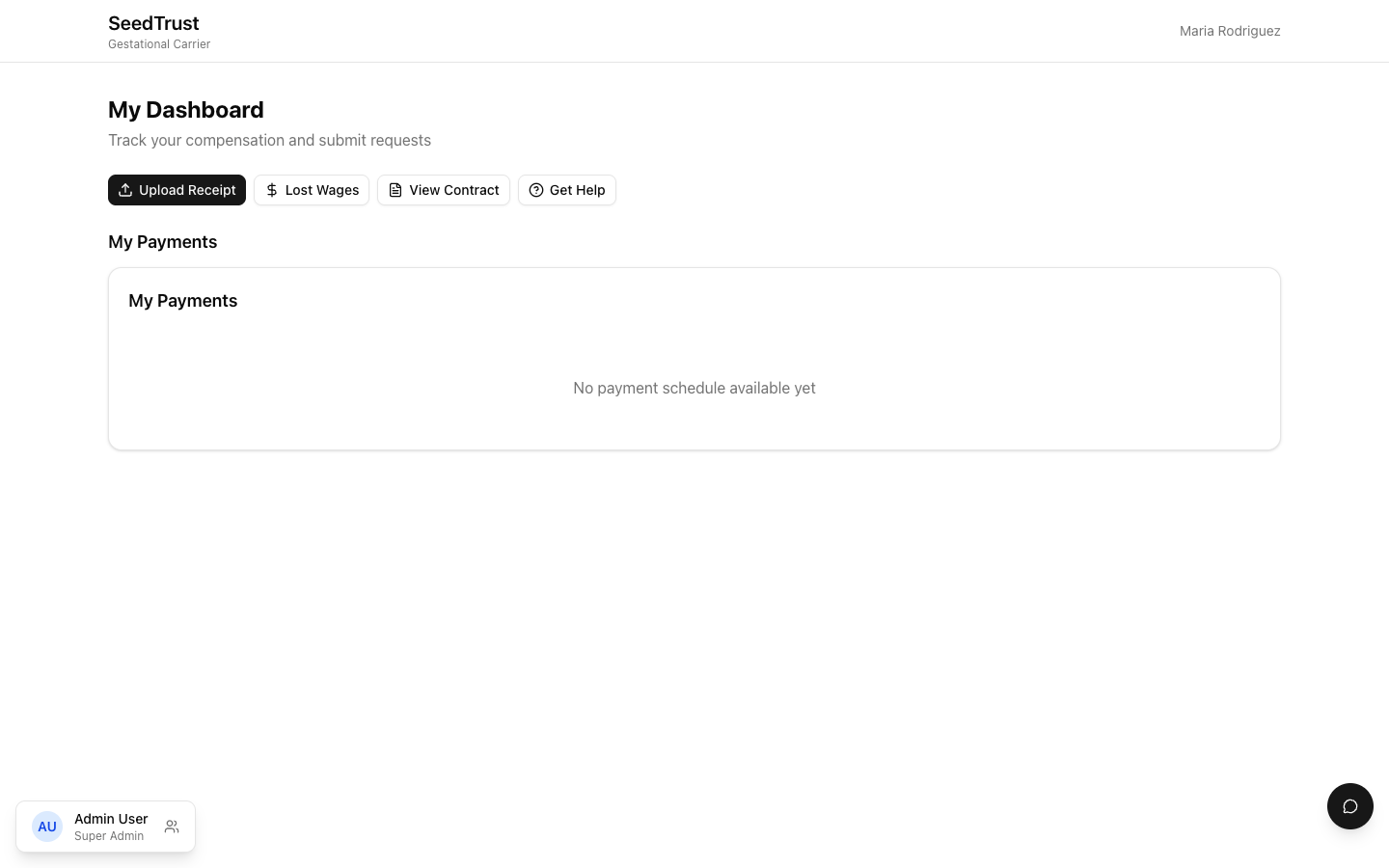
Dashboard
Section titled “Dashboard”The GC sees:
- Quick actions — Upload Receipt, Request Lost Wages, View Contract, Get Help
- Payment schedule — card-based view grouped by month, showing upcoming and past payments
- Contract questions chat — inline messaging with the case manager
Everything uses large touch targets designed for one-handed mobile operation.
Receipt Upload & DR Submission
Section titled “Receipt Upload & DR Submission”The primary action for GCs is uploading receipts and submitting disbursement requests.
Flow:
- Tap “Upload Receipt” from the dashboard
- Camera opens (or file picker on desktop)
- Select the expense category from a searchable dropdown (categories are tied to what’s allowed in their contract)
- Enter the amount and optional notes
- Review screen with a double-payment prevention checkbox — the GC must confirm this isn’t a duplicate before submitting
- Submit creates the DR and returns to the dashboard
Mobile behavior:
- On small screens, line items display as a card carousel (one card at a time, swipeable) instead of a list
- Category picker is optimized for touch with larger tap targets
Payment Schedule
Section titled “Payment Schedule”Payments are displayed as cards grouped by month, showing:
- Payment description and amount
- Status (paid, scheduled, or pending milestone)
- Days until the next payment
Contract Questions Chat
Section titled “Contract Questions Chat”An inline chat on the dashboard lets GCs ask questions about their contract. Messages go to the assigned case manager.
Shared with Egg Donor
Section titled “Shared with Egg Donor”The DR submission flow is shared between GC and Egg Donor roles. The interface detects which role is logged in and adjusts:
- Page titles and labels
- Navigation (back button returns to the correct dashboard)
- Available expense categories