GSA Upload Wizard
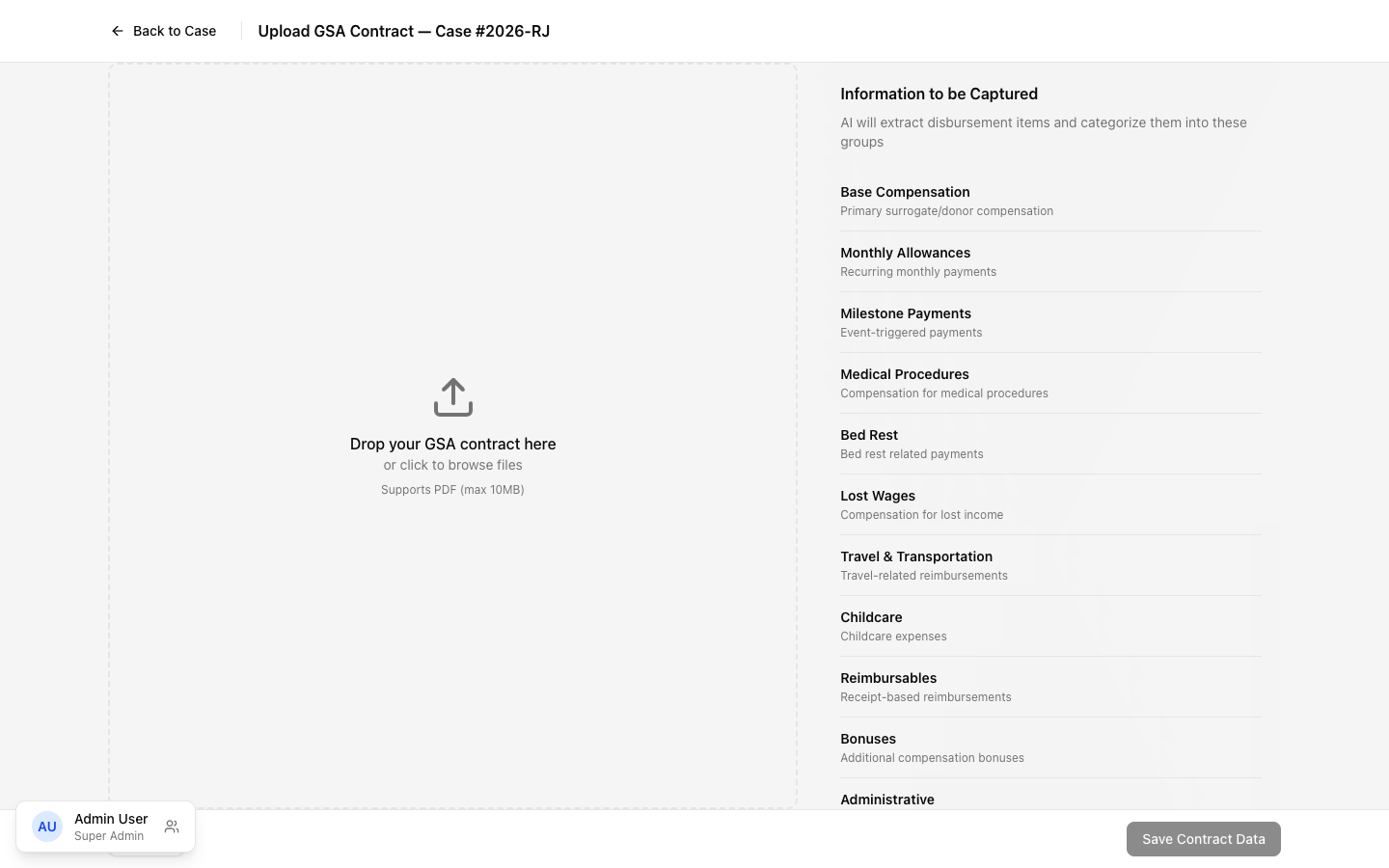
The GSA Upload Wizard is a full-page experience for uploading and parsing Gestational Surrogacy Agreement contracts. This is a critical workflow — it populates the compensation schedule that drives all payments for a case.
Layout
Section titled “Layout”Split-panel design:
- Left panel — document preview with zoom controls (0.5x to 3x magnification) and pan/scroll
- Right panel — parsed fields organized in collapsible sections
- Header — back navigation to case detail and current funding amount
- Footer — Cancel and Save buttons
Upload Flow
Section titled “Upload Flow”- Staff navigates here from the case detail “Upload GSA” button
- Drag and drop a PDF of the signed GSA contract
- The system parses the document (OCR), extracting compensation values
- Triage View appears showing a summary of what was found
Triage View
Section titled “Triage View”After parsing, a summary dashboard shows the status of every section:
Each section displays colored badges:
- Green — number of fields successfully parsed
- Red — number of required fields that couldn’t be found
- Amber — number of optional fields not found
Click any section to drill into its detail view and review or correct the parsed values.
Section Detail View
Section titled “Section Detail View”When reviewing a section:
- An “All sections” breadcrumb lets you return to the triage overview
- Each field shows a color-coded left border:
- Green border — value was parsed successfully
- Red border — required field that’s still missing
- Amber border — optional field not found (can be filled manually)
- All fields are editable — staff can correct any parsing error
- Previous / Next buttons at the bottom navigate between sections
Source Highlighting
Section titled “Source Highlighting”When hovering over any parsed field, the document preview on the left panel scrolls to and highlights the exact region where that value was extracted from (yellow highlight overlay). This lets staff verify the parsing accuracy at a glance.
Parsed Sections
Section titled “Parsed Sections”| Section | What It Contains |
|---|---|
| Monthly Allowance | Dollar amount, start/end dates, notes |
| Insurance | Health insurance, life insurance amounts |
| Base Compensation | Payment schedule (typically 3 installments), transfer fees |
| Medical Procedures | 12+ procedure types with amounts (caesarean, amnio, etc.) |
| Bed Rest | Support payments, childcare allowance, housekeeping |
| Lost Wages | Appointment time, delivery recovery, travel time |
| Reimbursables | Travel, mileage, maternity clothing, meals |
| Contract Settings | Various toggles and conditions |
What Happens on Save
Section titled “What Happens on Save”- Parsed values are compared to the agency’s disbursement type template
- Where GSA amounts differ from the template, case overrides are created
- The case is updated with the full compensation schedule
- An activity log entry records the upload
- Staff returns to the case detail page, where the Case Overrides panel now shows all parsed values
Visible to: Contracts Team, Super Admin