Disbursement Types
Disbursement types define the categories of expenses and their default amounts. They follow a three-tier hierarchy: Master Templates → Agency Templates → Case Overrides.
Template Library
Section titled “Template Library”The master template library lives in Settings → Disbursement Type Templates. This is where system-wide templates are managed.
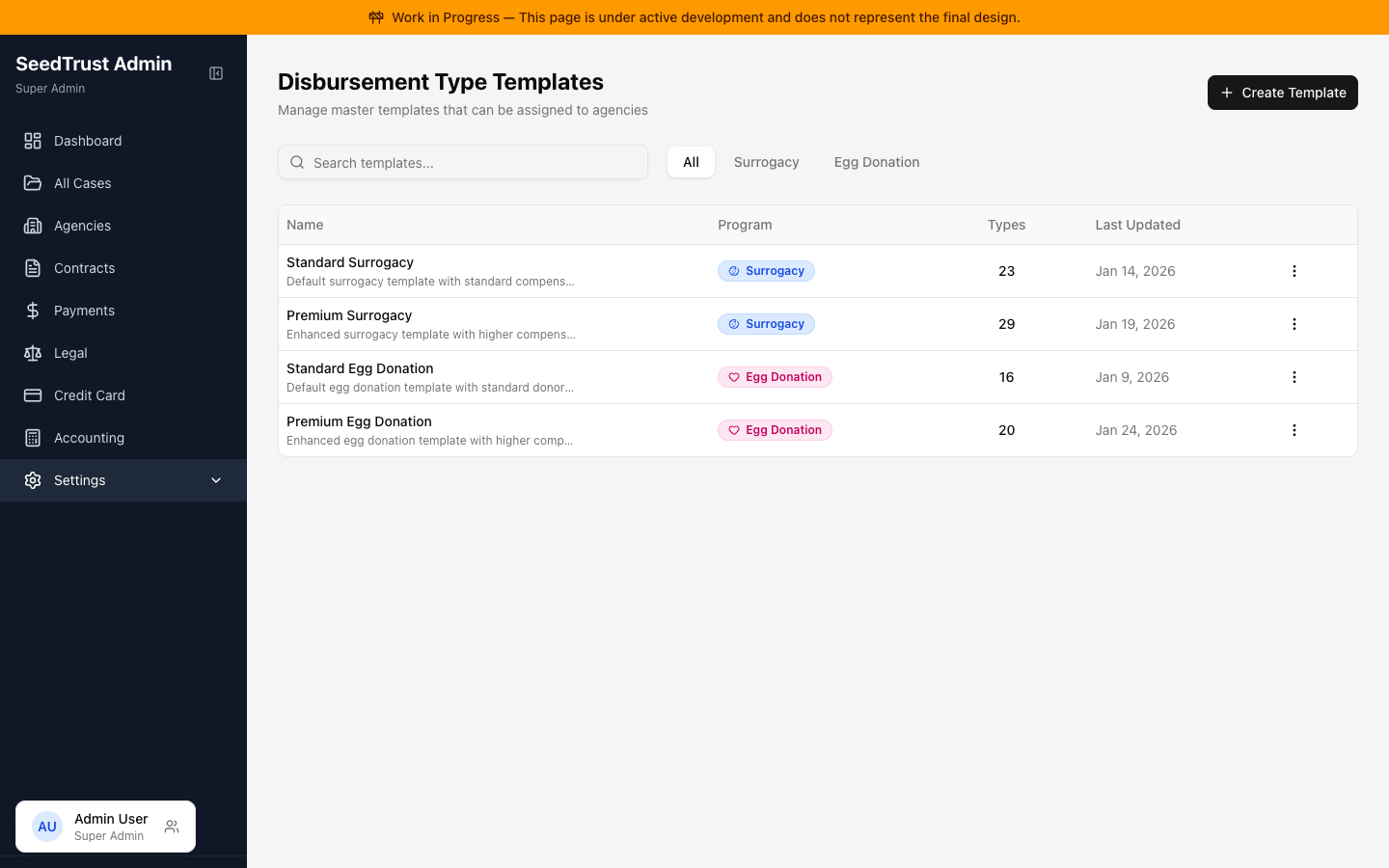
What you can do:
- View all templates in a table with program type, description, and usage count
- Filter by program: All, Surrogacy, or Egg Donation
- Search templates by name or description
- Create new templates, duplicate existing ones, or delete unused ones
- See how many agencies are using each template (with a warning before deleting templates in use)
Visible to: Super Admin, Contracts Team
Disbursement Types Editor
Section titled “Disbursement Types Editor”The editor is the main interface for configuring what expense categories exist and their default amounts. It’s used in both the Template Library and on individual agency pages.
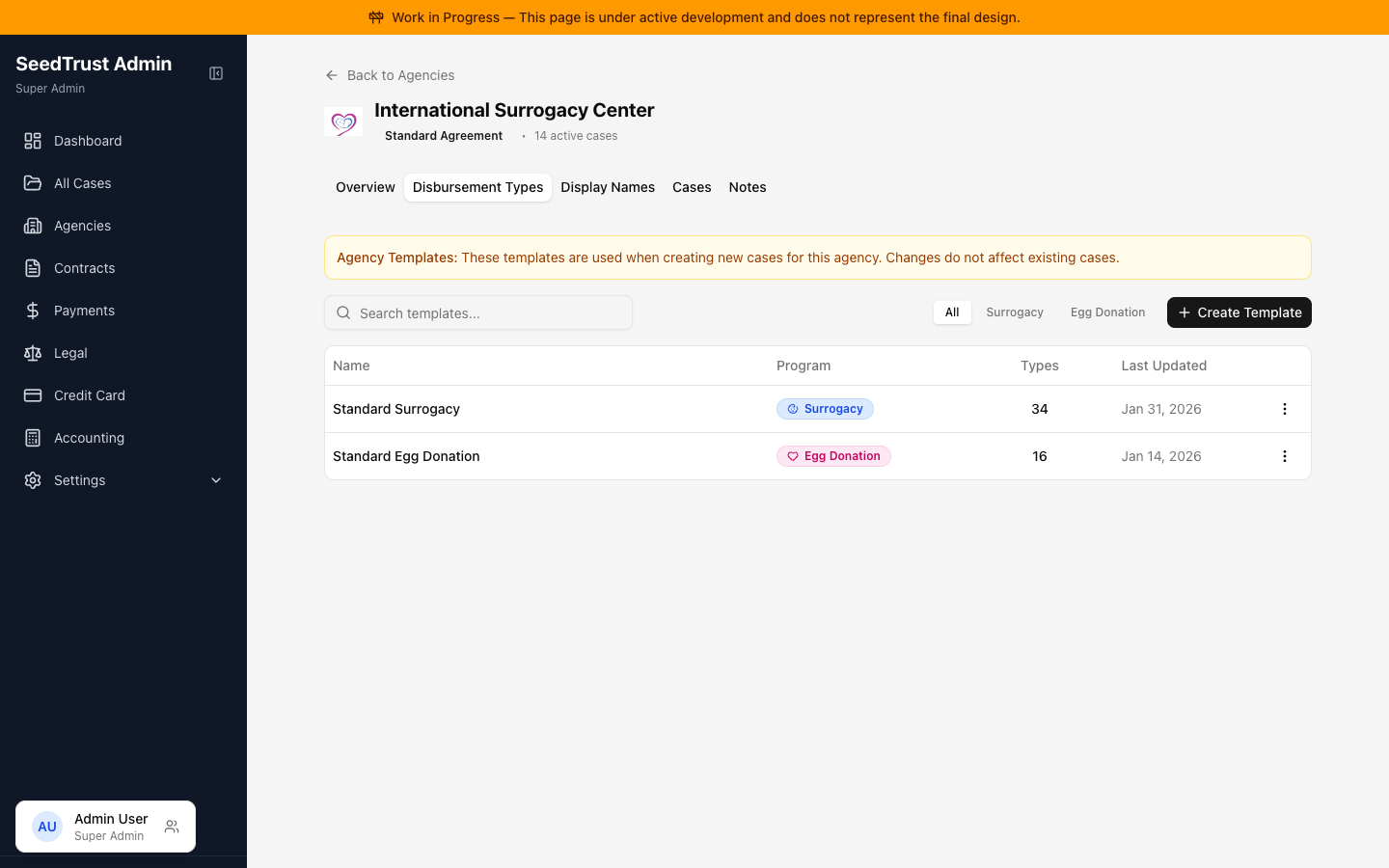
Program Type Toggle
Section titled “Program Type Toggle”Switch between Surrogacy and Egg Donation templates. Each program has its own set of categories and disbursement types.
Inline Editing
Section titled “Inline Editing”Click any item name or amount to edit it directly — no dialog or modal required. Changes are immediate.
Bulk Selection & Actions
Section titled “Bulk Selection & Actions”- Check individual items or select all within a category
- A floating toolbar appears with bulk actions: Activate, Deactivate, Change Amount, Move to Category, Delete
Category Management
Section titled “Category Management”- Click a category name to rename it inline
- Right-click (context menu) to merge categories or delete a category (items move to “Uncategorized”)
- Add new categories at any time
Active/Inactive Toggle
Section titled “Active/Inactive Toggle”Each template can be activated or deactivated. Inactive templates are hidden from agency assignment but preserved for reference.
Document Import
Section titled “Document Import”Staff can import disbursement types from contract documents (Word or PDF) rather than entering them manually.
Flow:
- Drag and drop a document file (PDF, DOC, or DOCX)
- The system parses the document and extracts disbursement types with amounts
- A diff view shows what would change:
- New items (green) — types found in the document but not in the current template
- Changed items (amber) — types that exist but with different amounts
- Unchanged count — types that match exactly
- Staff selects which changes to apply (with Select All / Deselect All controls)
- Selected changes are applied to the template
System Defaults
Section titled “System Defaults”Two disbursement types exist on every template and cannot be removed or deactivated:
| Type | Purpose |
|---|---|
| Agency Fee | Fee paid to the agency — not part of the GSA contract |
| Account Refund | Refund to Intended Parents — not part of the GSA contract |
These always appear in a special “Administrative” category.