Agency Portal
The Agency portal is a dashboard for agency users who manage multiple surrogacy cases — often 50 or more simultaneously.
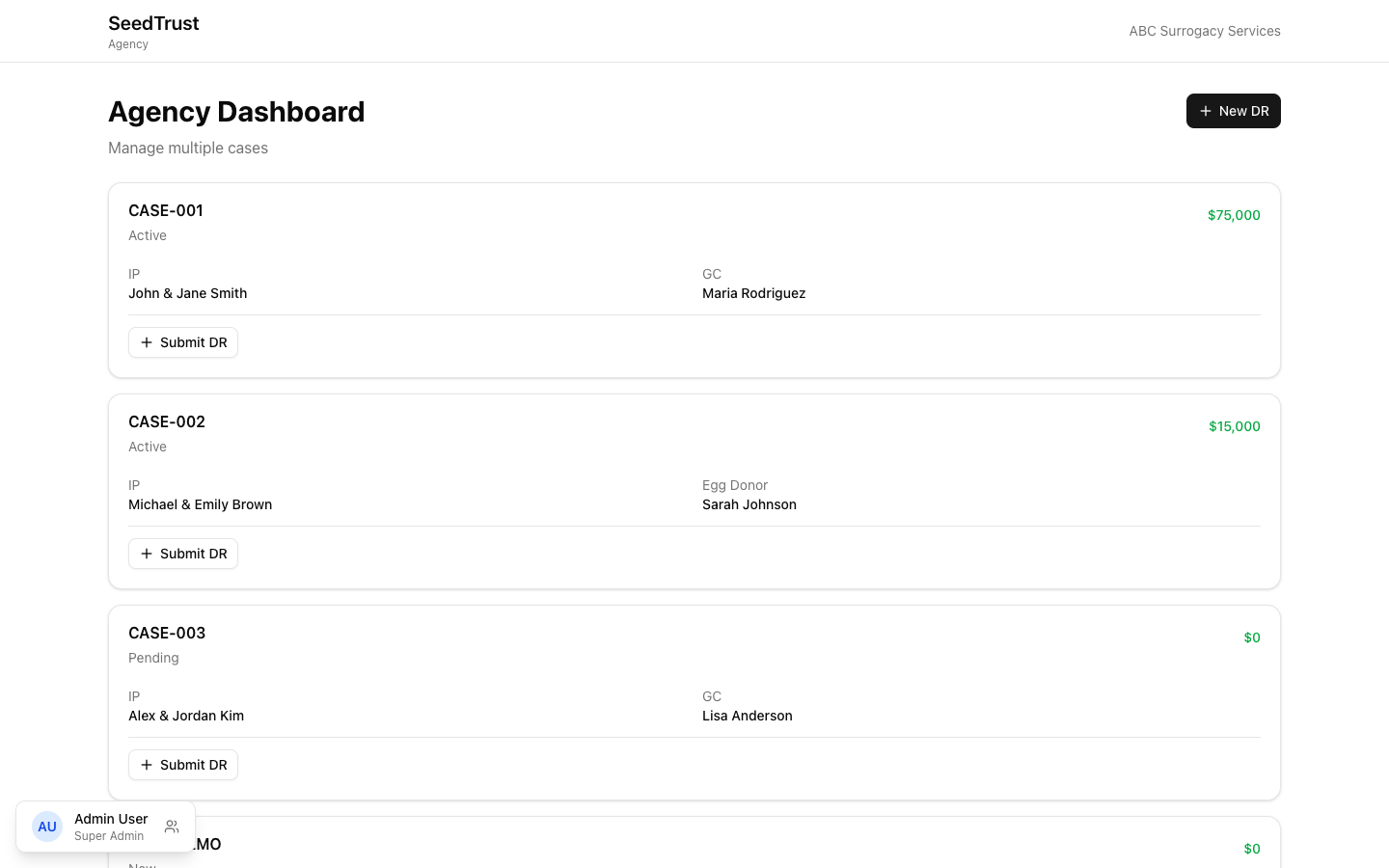
Dashboard
Section titled “Dashboard”The agency dashboard shows:
- Case list — all cases assigned to this agency, with key details per row
- Per-case “Submit DR” button — quickly submit a disbursement request for a specific case
- “New DR” header button — submit a DR without pre-selecting a case
DR Submission (4-Step Wizard)
Section titled “DR Submission (4-Step Wizard)”Agency users submit DRs on behalf of surrogates using a dedicated 4-step flow:
Step 1: Case
Section titled “Step 1: Case”Select which case this DR is for. If the user clicked “Submit DR” from a specific case row, this step is skipped (the case is pre-selected).
Step 2: Payee
Section titled “Step 2: Payee”Choose who receives the payment:
- Surrogate/donor (the GC or Egg Donor on the case)
- Third party (enter name and details)
Step 3: Items
Section titled “Step 3: Items”Add expense line items:
- Select category from a searchable dropdown
- Enter amount and description
- Upload receipts (with AI-assisted parsing)
- Add multiple items to a single DR
- On mobile, items display as a swipeable card carousel (one card at a time)
Step 4: Review
Section titled “Step 4: Review”Final review before submission:
- Case information and payee summary
- All line items with amounts
- Approval likelihood indicator — visual estimate of how likely the DR is to be approved
- Double-payment prevention checkbox — must be confirmed before submission
After submission, the user returns to the agency dashboard.